Full ledger
Income, expenses, invoices, debts and people — all in one place.
A free personal finance app for expenses, income, debts, invoices, budgets and reports. Works offline, no account, no ads — and your data stays on your phone.
What is Amunta?
Amunta is a free personal finance app that tracks expenses, income, debts, invoices, budgets and reports. It works offline, needs no account, shows no ads, keeps your data on your phone, and speaks 16 languages. Want to share accounts with someone? Sync is fully encrypted.
What you can track
Income, expenses, invoices, debts and people — all in one place.
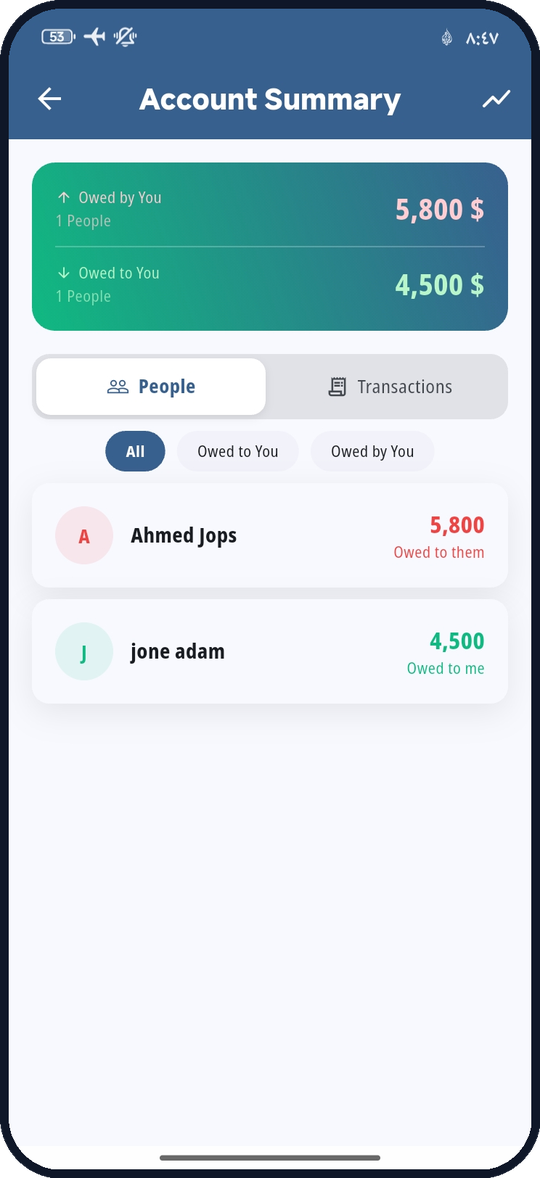
Know who owes you and whom you owe, with a clear balance per person.
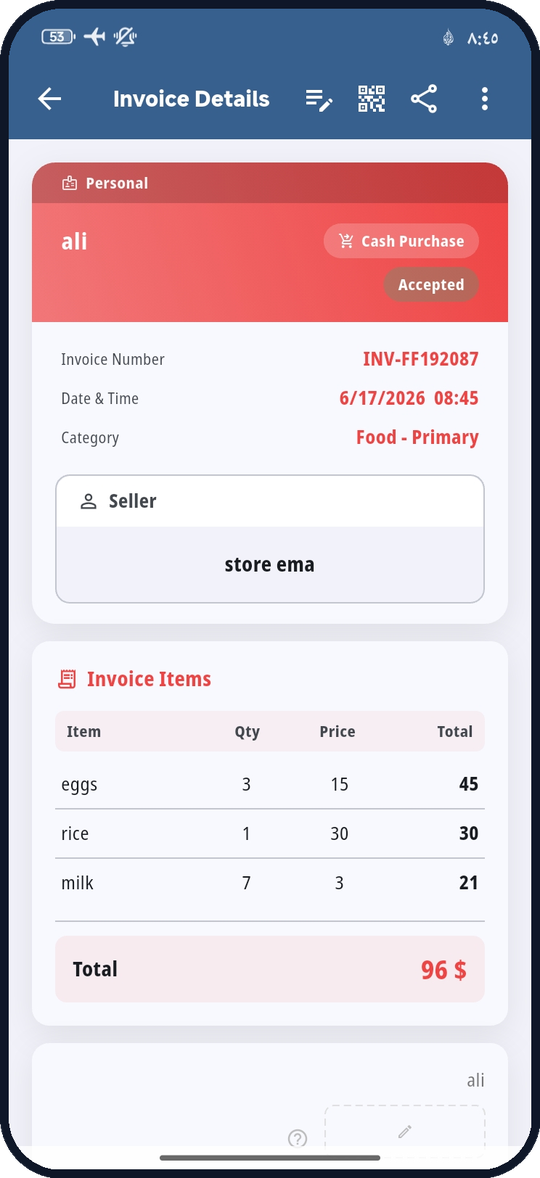
Build, keep and share invoices with line items — cash or deferred.
Set a monthly budget with alerts, then read your spending in clear charts.
Pick your currency and keep records that feel right for you.
Your data stays on your phone unless you export, back up or share it.
More than an expense tracker
Amunta brings daily money records, debts, documents and planning together. Core work stays offline; A-Link and Google Drive are optional.
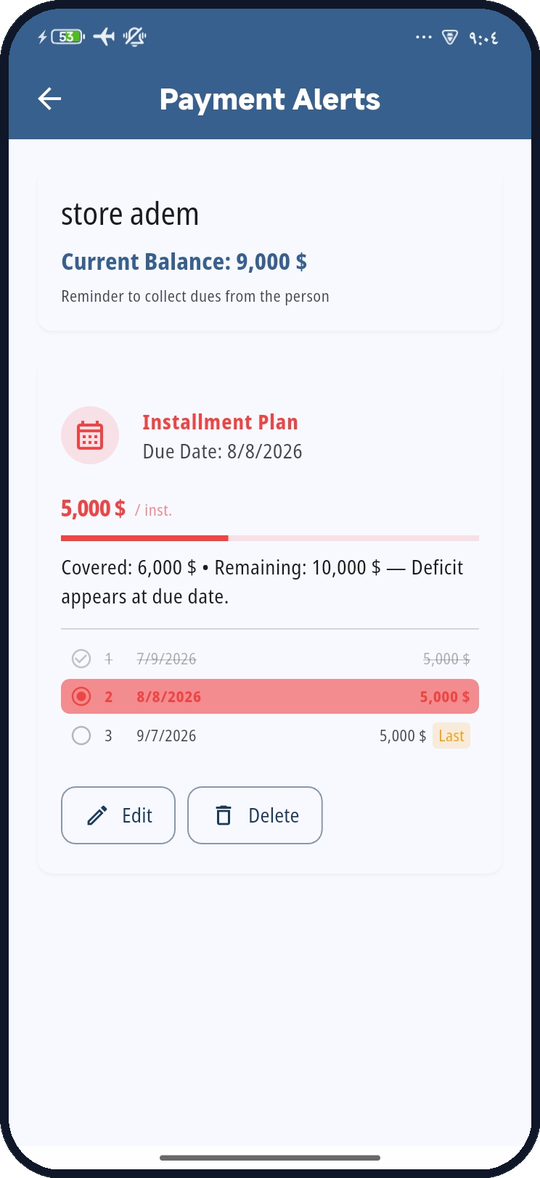
Create payment plans with custom amounts and dates, then receive reminders when payments are due.
Keep password-encrypted local backups or optionally store encrypted copies in your own Google Drive.
Move a transaction between phones with QR, even offline, with a currency check before import.
Create cash or credit invoices, add products and signatures, attach receipts, and export searchable PDF reports and account statements.
Inside the app
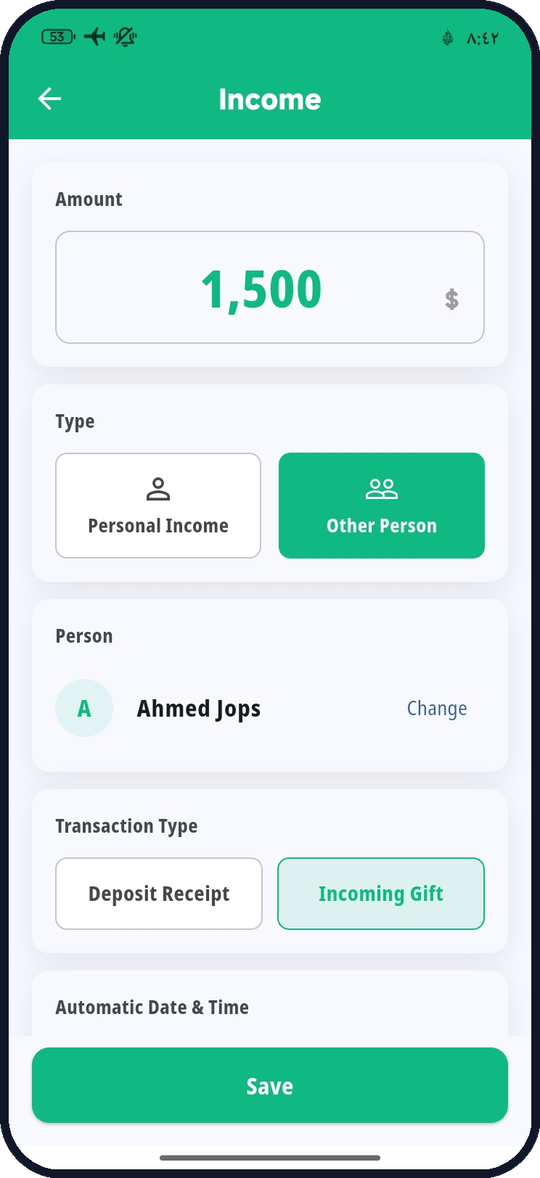
These are actual Amunta screens — not mockups.
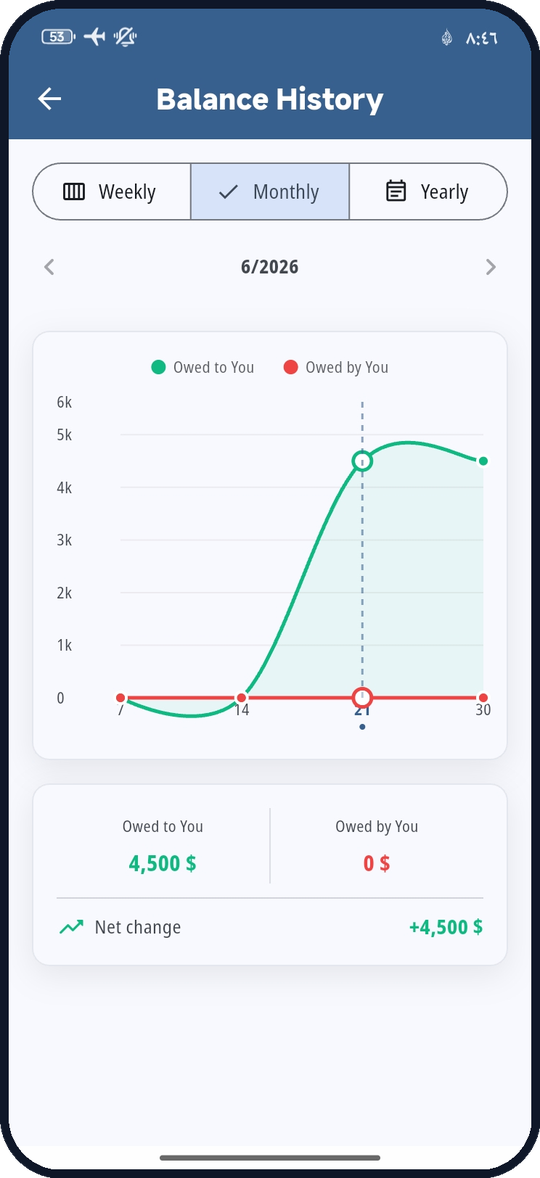
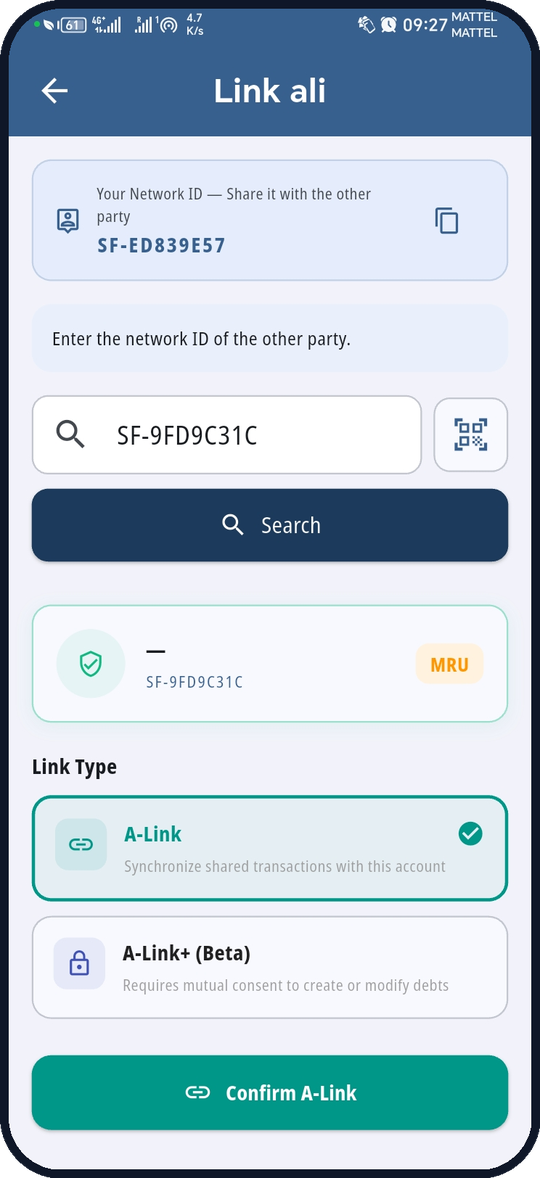
| You record | They receive |
|---|---|
| Deferred sale invoiceYou sold; they pay later | Deferred purchaseA debt they owe you |
| Deferred purchase invoiceYou bought; you pay later | Deferred saleA debt you owe them |
| Cash sale invoice | Cash purchase |
| Cash purchase invoice | Cash sale |
| Payment voucherMoney you gave them | Deposit voucherMoney they received from you |
| Deposit voucherMoney you received from them | Payment voucherMoney they gave you |
| Outgoing gift | Incoming gift |
Shared records, independent ledgers
Both people approve every debt
Each record is encrypted on your phone. The relay cannot read it, deletes it once it is delivered, and drops undelivered messages after 24 hours.
Amounts, items, date, the public description and, if you enable it, your signature. Private notes are never sent. Both ledgers must use the same currency.
With both phones in the same place, transfer one invoice or voucher by signed QR code without internet. Or share the invoice as an image with anyone.
Privacy
Amunta doesn't need to know who you are. No accounts, no tracking, no marketing profiles, no extra permissions.
Download
On Google Play and the App Store. Only trust links from this site or the official store pages.
For your personal money — debts, expenses, funds, invoices, budgets, and reports.
The same complete app, set up for a business, store, or professional service.
FAQ
Yes — completely free, with no ads and no in-app purchases.
Both are free and have the same features — funds and transfers, debts, invoices, receipts, and A-Link. Amunta is for personal accounts; Amunta+ is for a business, store, or professional service. You can install both on the same phone, and each keeps its own separate data and backups. Available on Google Play and the App Store.
On your phone, unless you export, back up, share or turn on sync.
No. No account, email, phone number or login.
Yes. The ledger, expenses, income, debts, invoices, budgets and reports all work without internet.
It's optional and off by default. It runs through A-Link: invoices and vouchers you record for a linked contact are sent to their phone end-to-end encrypted, the relay can't read them, and it deletes them once delivered.
Link with them once through A-Link. After that, every invoice or voucher you record for that contact is sent to their phone automatically, end-to-end encrypted, and arrives reversed for their side: your sale appears as their purchase, and a payment voucher appears as a deposit voucher. They choose whether to record it; with A-Link+, debts need their acceptance. Without a link, you can transfer one record by offline QR code or share the invoice as an image.
A-Link shares records while each ledger stays independent: the other person records or ignores what arrives, and each side can delete its own copy. A-Link+ (experimental) requires both people to approve anything that creates or changes a debt, never deletes a debt after acceptance (a mistake is corrected only with a reversing entry), and compares the debt balance on both phones. A-Link+ is a link mode and is unrelated to the Amunta+ app.
16: Arabic (RTL), English, French, Spanish, German, Persian, Fula, Hindi, Indonesian, Portuguese, Russian, Soninke, Turkish, Urdu, Wolof and Chinese.
Yes. Remove it from the app, your device settings, or by uninstalling. Sync records are cleared automatically after a period of inactivity.